the overrides list contains yourself and all the players online/you've overridden. the bar can search or add a new override!
changing a skin or cape is as easy as grabbing a texture and dropping it into minecraft.
you can easily manage skins & capes using the library. by default, you get minecraft's 18 built-in skins.
easily add new skins by entering a player's name and pressing add.
like the overrides screen, you can drag and drop skins into your library too.
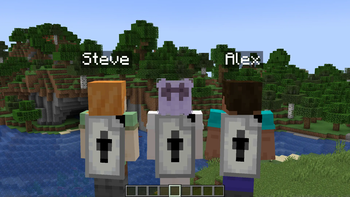
skin overrides isn't just about skins - capes can have their own overrides too! the library comes with a skin overrides cape as a thank-you for downloading.
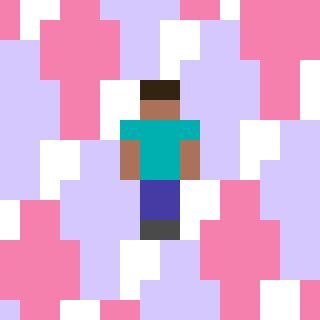
express your desire to have alex steve and steve alex rep your mod with you!!!
the overrides list contains yourself, online players, and offline players you've created an override for. use the + button to add a new override!
you can easily manage skins & capes using the library. by default, you get minecraft's 18 built-in skins.
easily add new skins by entering a player's name or dragging and dropping.
you can drag and drop images to add them as an override or to your library.
easily override your cape/elytra with a dedicated cape library, which comes with a skin overrides cape as a thank-you.