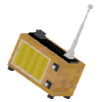


Radio 


A Minecraft Fabric mod that adds functional radio transmitters, receivers, and a portable radio for wireless audio broadcasting via Simple Voice Chat.
Features
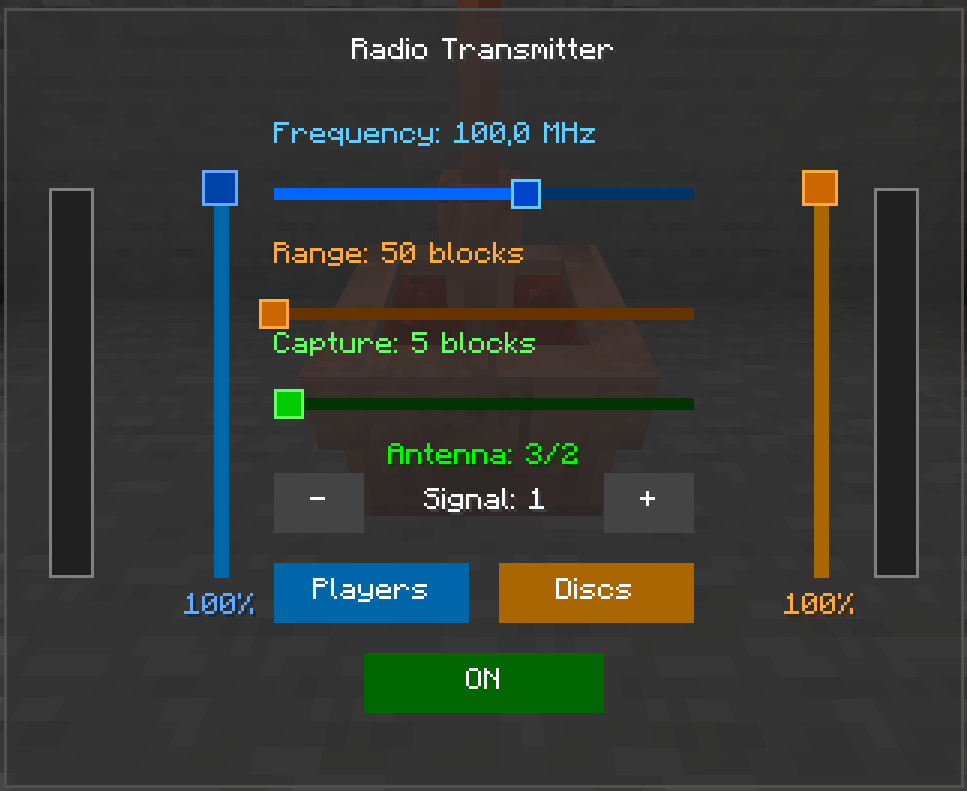
- Radio Transmitter — broadcast microphone audio or jukebox music wirelessly over configurable frequencies
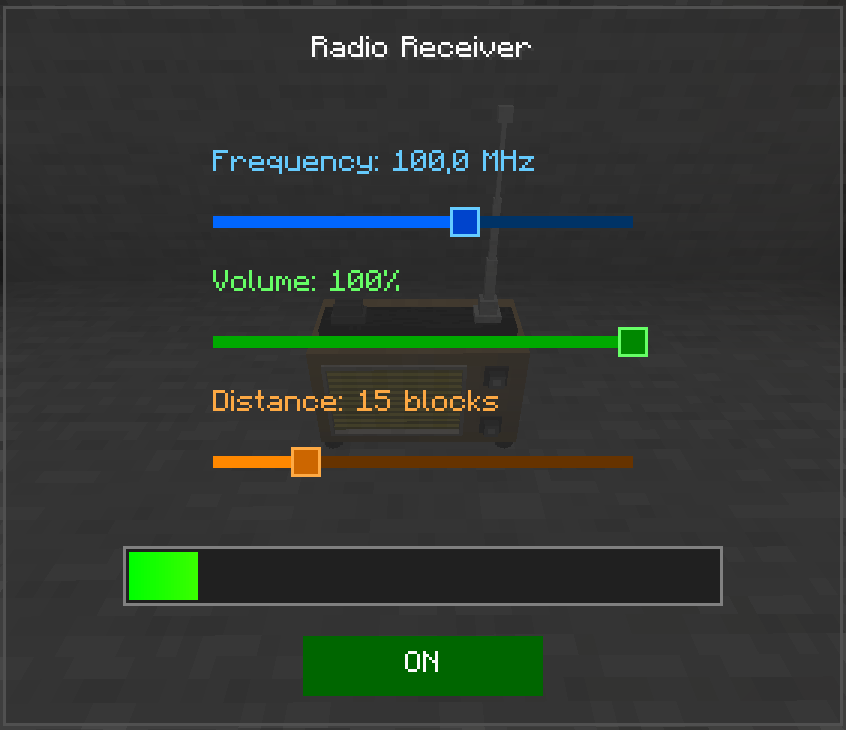
- Radio Receiver — receive radio transmissions and play them out loud
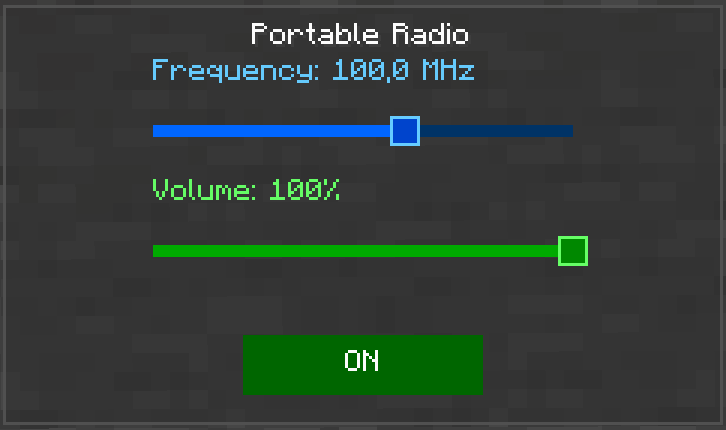
- Portable Radio — handheld receiver that plays audio directly to you
- FM Frequency System — 88.0–108.0 MHz with signal quality based on frequency alignment, distance, and signal strength
- Antenna Requirement — transmitters need lightning rods stacked above them; more antennas = better range and signal
- Noise & Interference — static noise when out of range, interference from competing transmitters on nearby frequencies, smooth transitions
- Jukebox Broadcast — captures audio from nearby jukeboxes and transmits it through the radio
- Audio Player Support — optional AudioPlayer mod integration for custom music discs
- Dual Audio Sources — microphone and disc inputs with independent volume controls
- Capture Radius — configure how far the transmitter listens for nearby players (microphone) and jukeboxes (discs)
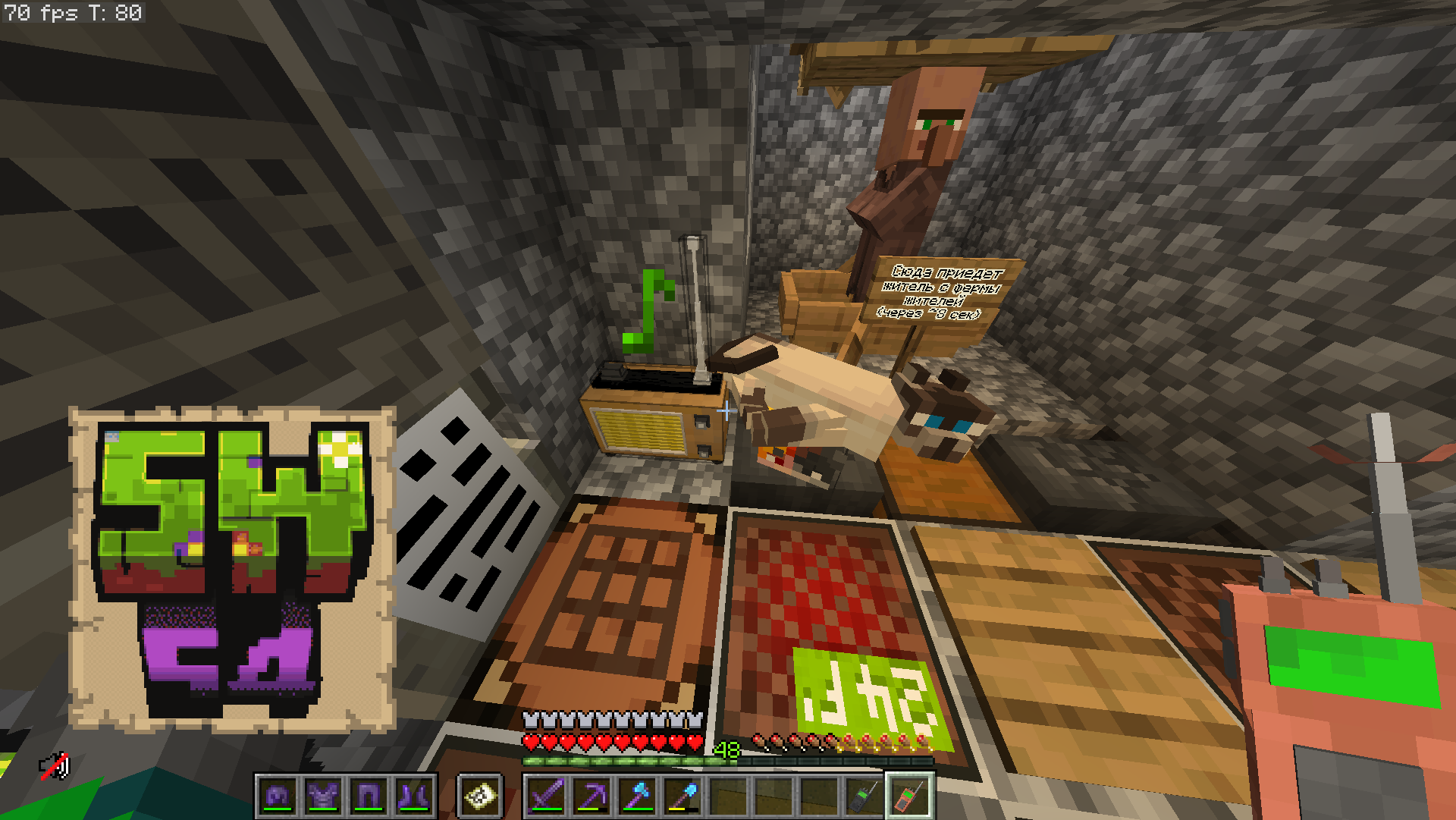
- Note Particles — receivers show note particles when playing a clean signal
- VU Meter — visual audio level indicators in the GUI
- Separate Volume Categories — independent volume sliders for radio and portable radio in Simple Voice Chat
Blocks & Items
| Block / Item | Description |
|---|---|
| Radio Transmitter | Block that broadcasts audio wirelessly |
| Radio Receiver | Block that receives and plays audio out loud |
| Portable Radio | Handheld item that receives audio directly to the player |
Crafting
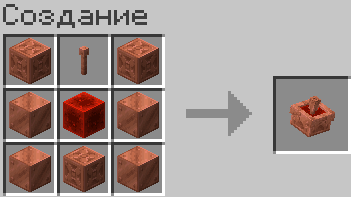
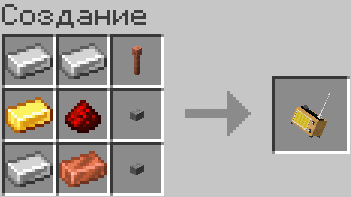
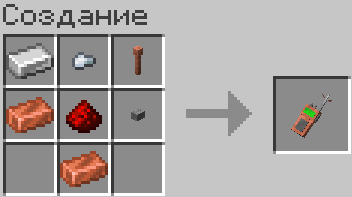
Usage
Radio Transmitter
- Craft and place a Radio Transmitter
- Stack lightning rods above it (continuous column) — more rods = better signal
- Right-click to open the GUI
- Set frequency (88.0–108.0 MHz), range (50–5000), signal strength (1+)
- Toggle microphone and/or disc mode with independent volume sliders
- Set capture radius (3–50 blocks) — how far it listens for players/jukeboxes
- Speak nearby (within capture radius) while the transmitter is powered to broadcast
Radio Receiver
- Craft and place a Radio Receiver nearby
- Right-click to open the GUI
- Set frequency to match a transmitter, adjust volume and distance (5–50 blocks)
- Powered receivers automatically play any signal on their frequency within range
Portable Radio
- Craft a Portable Radio
- Right-click to toggle power ON/OFF
- Shift + right-click to open the GUI and set frequency and volume
- Keep it in your inventory (any slot) — it will automatically connect when powered
Frequencies & Signal
- Range: 88.0 – 108.0 MHz (FM broadcast band)
- Matching transmitters and receivers on the same frequency = clean signal
- Nearby frequencies produce interference noise proportional to the difference
- Signal quality depends on: frequency match, distance, transmitter signal strength, and competing transmitters
Requirements
- Minecraft 1.21.11
- Fabric Loader ≥0.18.5
- Fabric API
- Simple Voice Chat
- Super GUI Lib
- AudioPlayer
Ссылки


Сведения
Лицензия:
Опубликован:1 месяц назад
Обновлён:1 месяц назад
ID проекта: