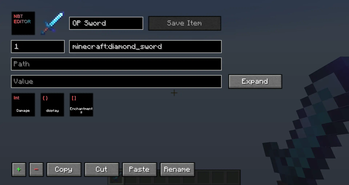

Список изменений
IMPORTANT: /hideflags, /max, /unbindskull, and /lore have all been moved to /itemfactory.
/removeflags (an alias for /hideflags) as been removed completely.
Main Features:
- The item factory system, which includes (other than the four commands above):
- An attribute editor
- A block state editor (for BlockStateTag)
- An enchantment editor (Ctrl+Click is still supported and recommended)
- There are now scroll bars
- You can configure the scroll speed of the mouse wheel for NBT Editor related menus (/nbteditor config)
Small Features:
- The previous screen is shown underneath the confirm and text/number input dialogs
- The text/number input dialog will now visibly disable the confirm button if the input is invalid
- The /hideflags screen now uses the new item editor system to match with the other item factories
Bug Fixes:
- Using Ctrl+Click on armor slots now works properly
- The save button in the nbt editor will no longer flash right when you open the menu
- The /open message has been updated to include the 27 slot requirement
- Ctrl+Click now works with extra high level enchantments
- When using /nbt on an item with an empty key, a confirm message to fix is shown. The message has been updated to specify that the empty key will be deleted.
- When canceling the empty key warning, you now go back to the previous location (like the client chest), rather than closing everything
