
2.0K
3


ExportStats
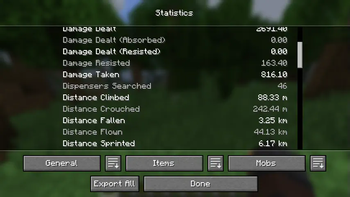
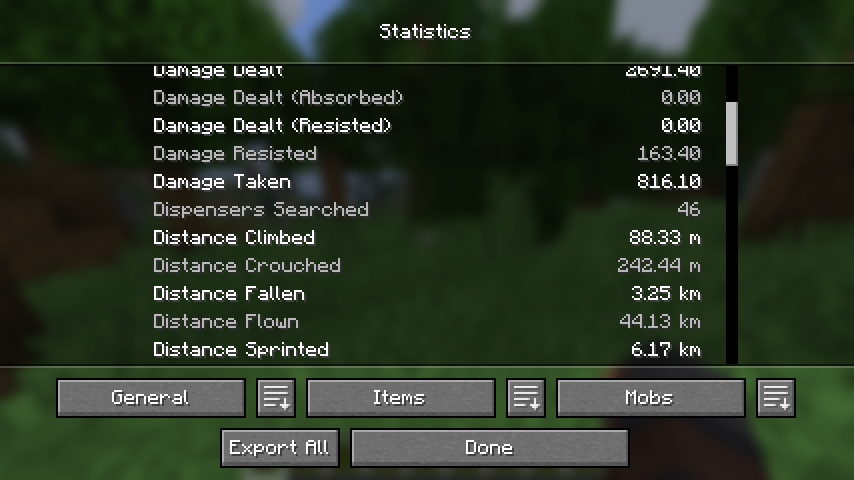
Adds a button to the statistics screen to export data to a text file.








About
Simply click the relevant button and your statistics will be exported to a file for later viewing.
 | 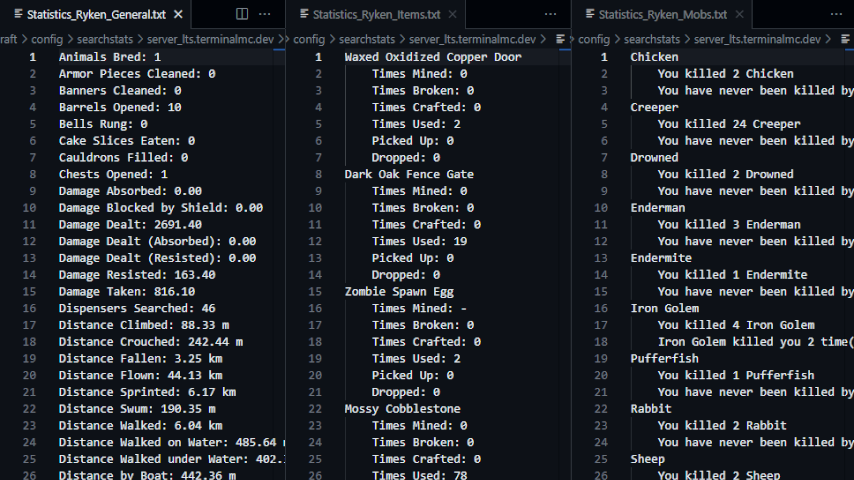 |
- File contents are translated according to your in-game language.
- When you click the export button, a new folder (named for the world or server that you are
currently in) is created in the
.minecraft/config/exportstatsfolder, and the data files are placed in the created folder. - If you click the export button again while in the same world or server, the old files will be replaced with new ones.
Related
- SearchStats by TerminalMC
- Adds a search bar to the statistics screen to quickly find specific entries.
- Better Statistics Screen by TheCSDev
- Completely overhauls the statistics screen and makes it more useful.
Contact



Совместимость
Minecraft: Java Edition


Сведения
Лицензия:
Опубликован:11 месяцев назад
Обновлён:1 неделю назад
ID проекта: